 Simplest Reminder
By GadgetJudge · AndroidSet it.
Get on with
your day.
A reminder for the thing you need to do. A repeat schedule for the things you do regularly. Set the time, save it, and get back to what you were doing.
Free to download · Contains ads · Optional ad removal
One time or every time.For the small things
you don’t want to forget.
✓One-time & recurring✓Quick & custom snooze✓Light & dark themes
A reminder shouldn’t
be another task.
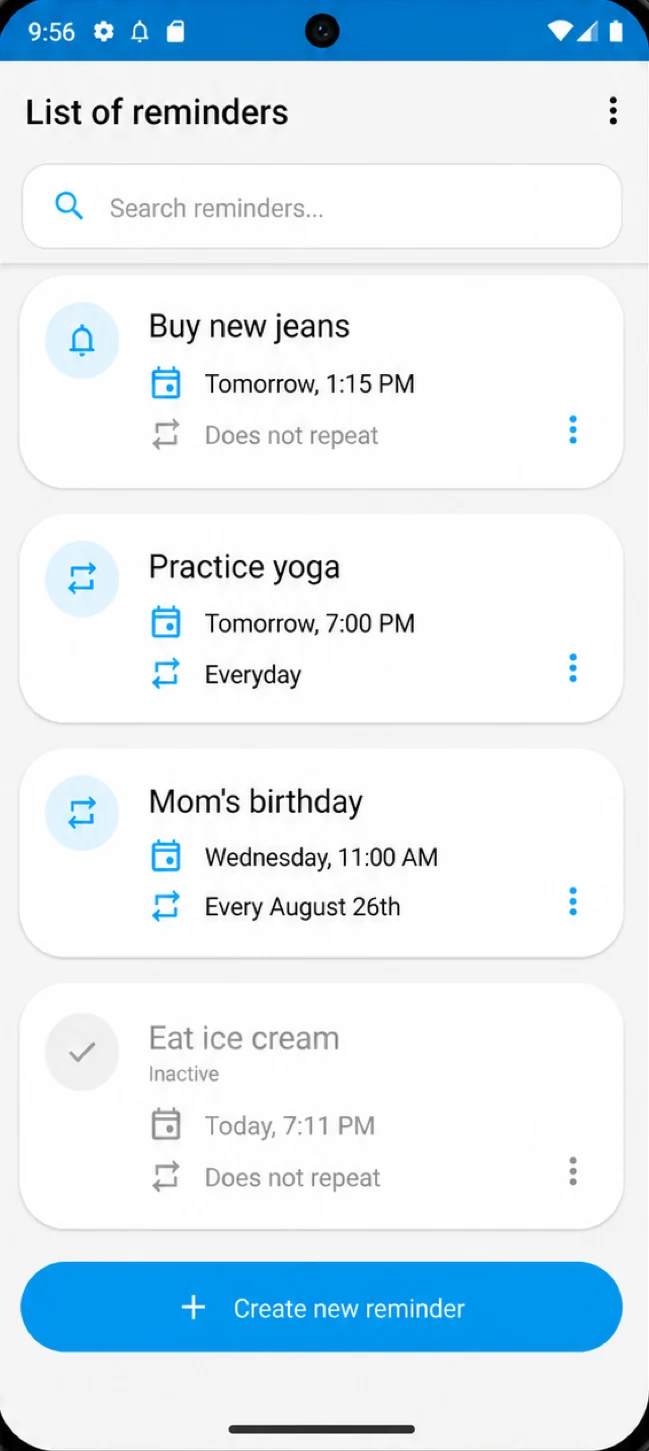
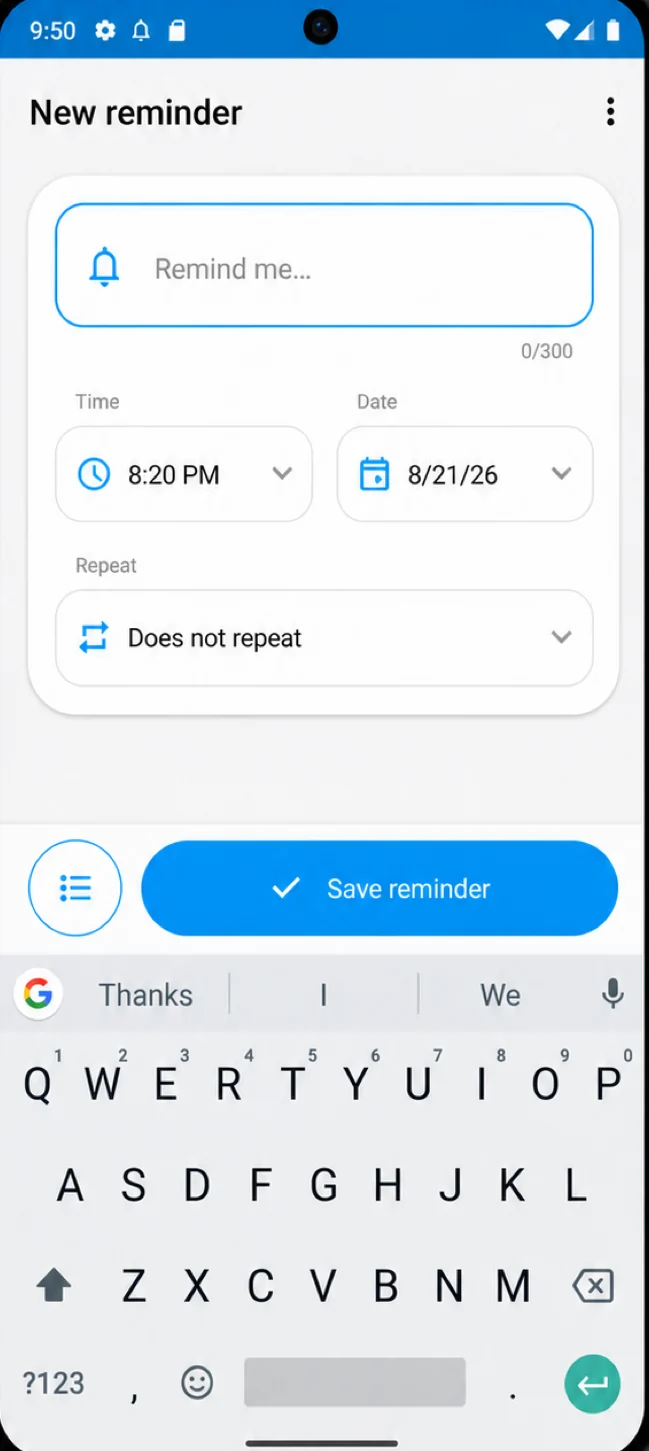
Write what you need to remember, choose when, and save it. There’s a clear list when you need to find something, and a snooze option when now isn’t a good time.
Once is sometimes enough. Sometimes it isn’t.
Set a one-time reminder, or repeat it daily, weekly, monthly, or yearly. Weekday, weekend, and custom intervals cover the routines that don’t fit a standard schedule.
For examplePut out the recycling. Every week.
Not now? Give yourself a little time.
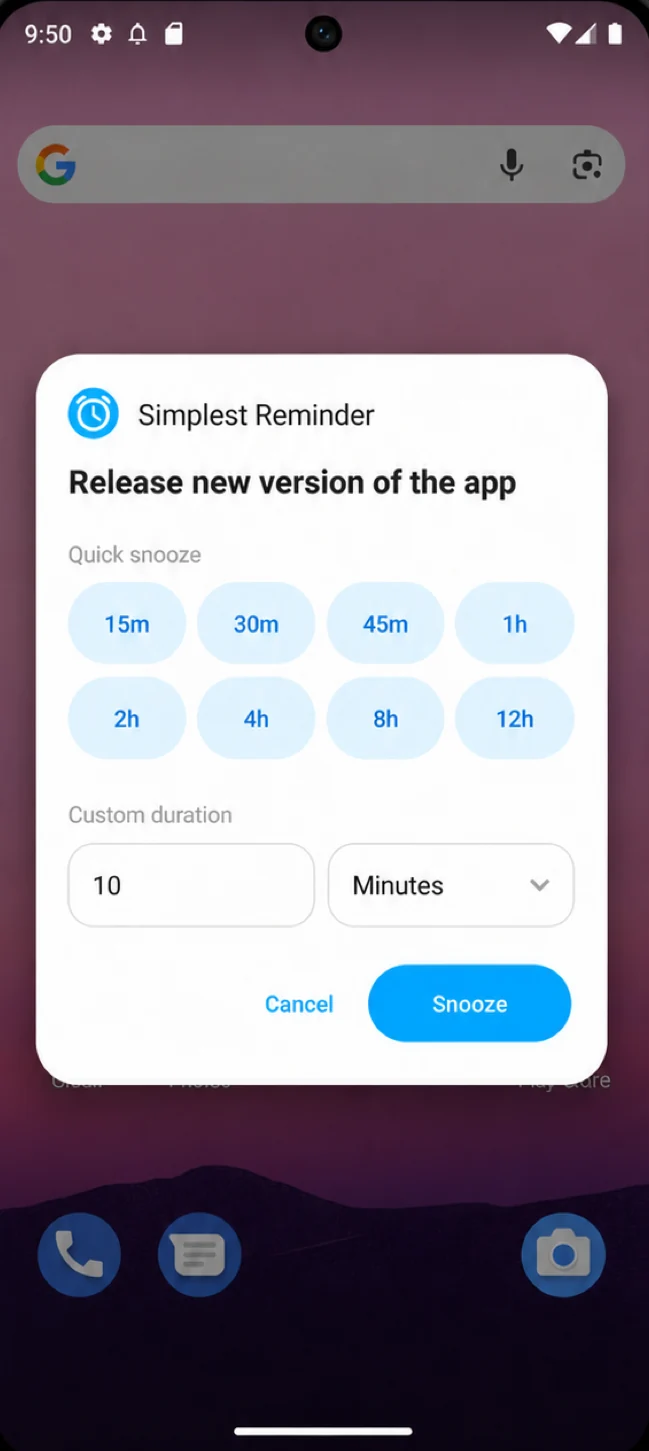
Snooze an alert with a quick option or a custom delay. You can also edit or dismiss a reminder from the alert when your plans change.
A useful distinctionSnooze this alert. Repeat the whole schedule.
Find it without digging around.
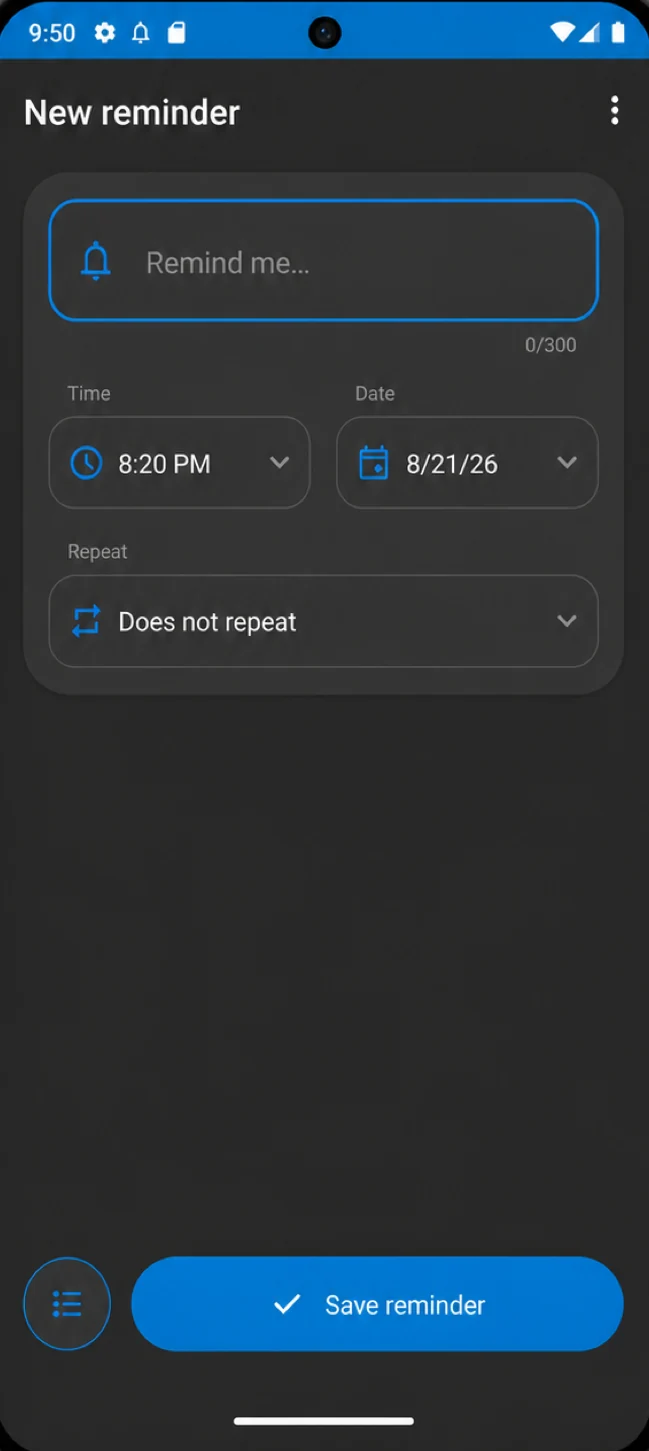
Search your reminder list when you need to change something. Use the light or dark theme, whichever you prefer.
Plans changeYour reminders should be easy to change too.
Before you download
A few questions,
answered.
Something else on your mind?
Get in touch. I’m the developer.
What repeat schedules are supported?
Daily, weekly, monthly, yearly, weekdays, and weekends. You can also set a custom interval in hours, days, weeks, months, or years.
What’s the difference between snooze and repeat?
Snooze postpones an alert you’ve received. Repeat schedules future occurrences of the reminder, such as every Monday.
What if a reminder doesn’t appear?
Check notification permission, precise alarm access, and battery restrictions on your device. Android settings can affect when alerts appear. If you’re still having trouble, get in touch with your device model and Android version.
Can I back up my reminders?
Yes. The app supports exporting reminders to a backup file and restoring them from a file.
Is the app free?
The Android app is free to download and contains ads. An optional one-time purchase removes the ads.