Free to download · Contains ads · Optional ad removal
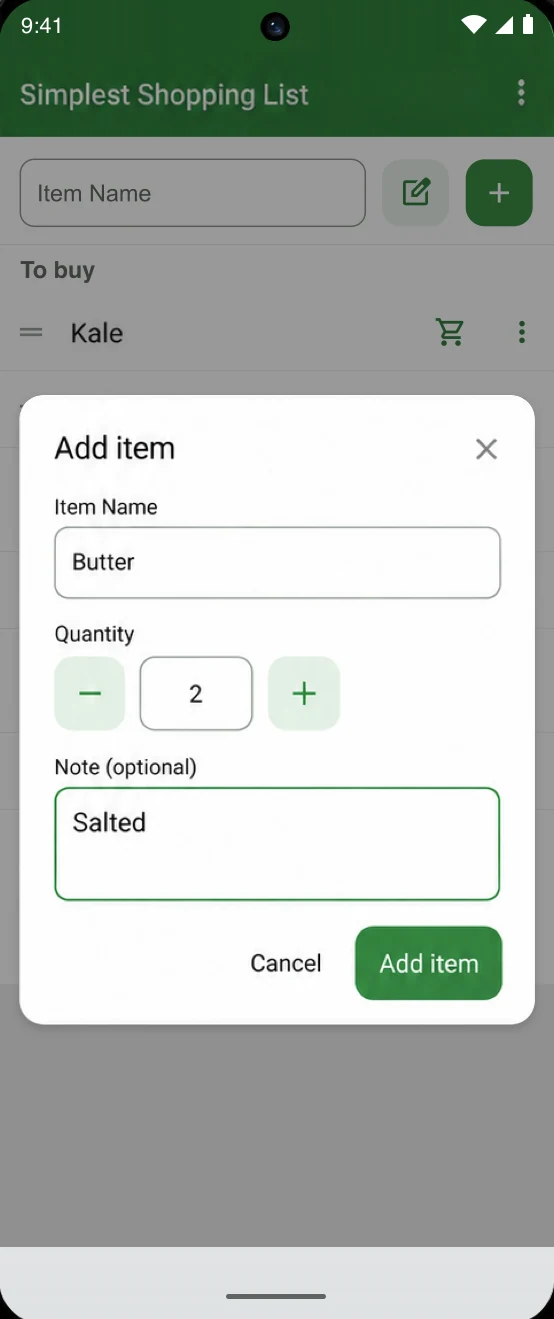
“Butter” is a start.“Butter · salted · ×2” is a better shopping list.
✓No account needed✓Quantities & notes✓Your usual items, ready to add
Less time making lists. More time getting on with it.
A shopping list doesn’t need to be complicated. It does need to remember the little things: how many, which kind, and what’s already in your cart. That’s what Simplest Shopping List is for.
Skip the same typing every week.
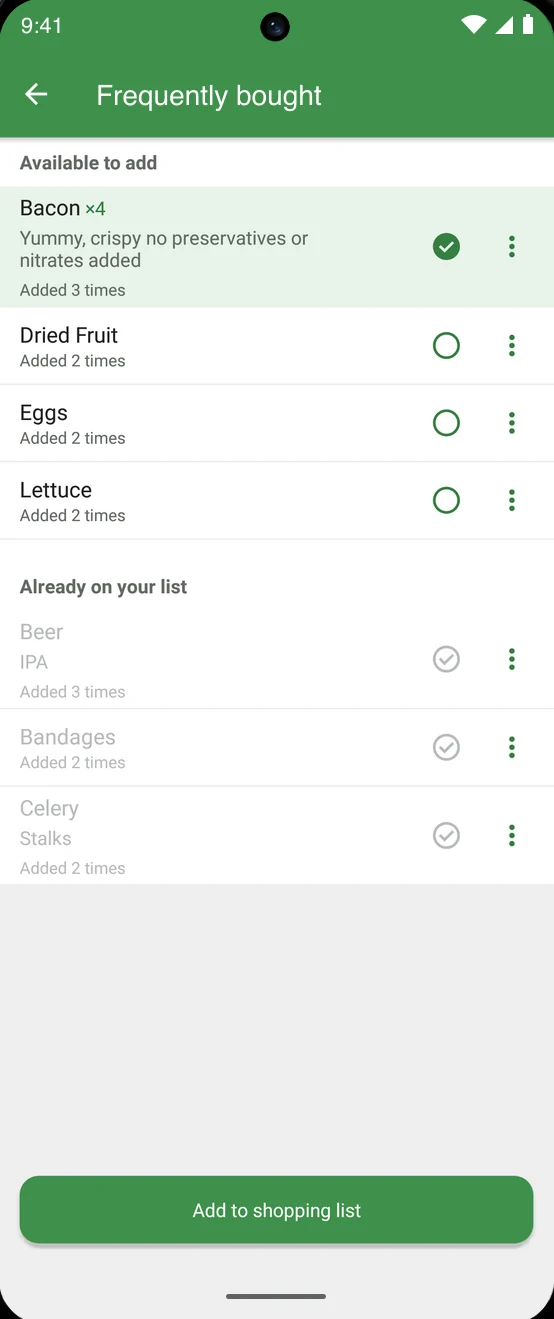
Use your frequently bought items to build the next list. Select what you need this time and add it together. Typing suggestions help when you’re adding something else.
The usual groceriesPick this week’s items. Leave the rest.
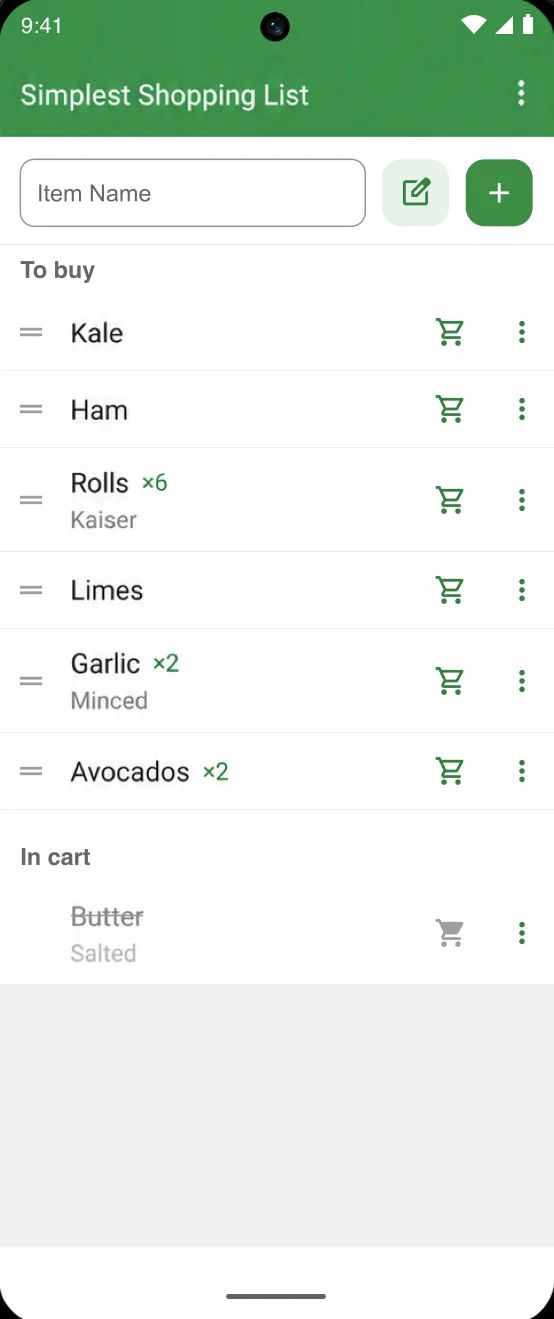
Remember which kind. And how many.
Add a quantity and a note to an item. “Butter, ×2, salted” is much more useful at the shelf than trying to remember what you meant.
A little more detailSize, brand, or “the one without sugar.”
Make the list work for your trip.
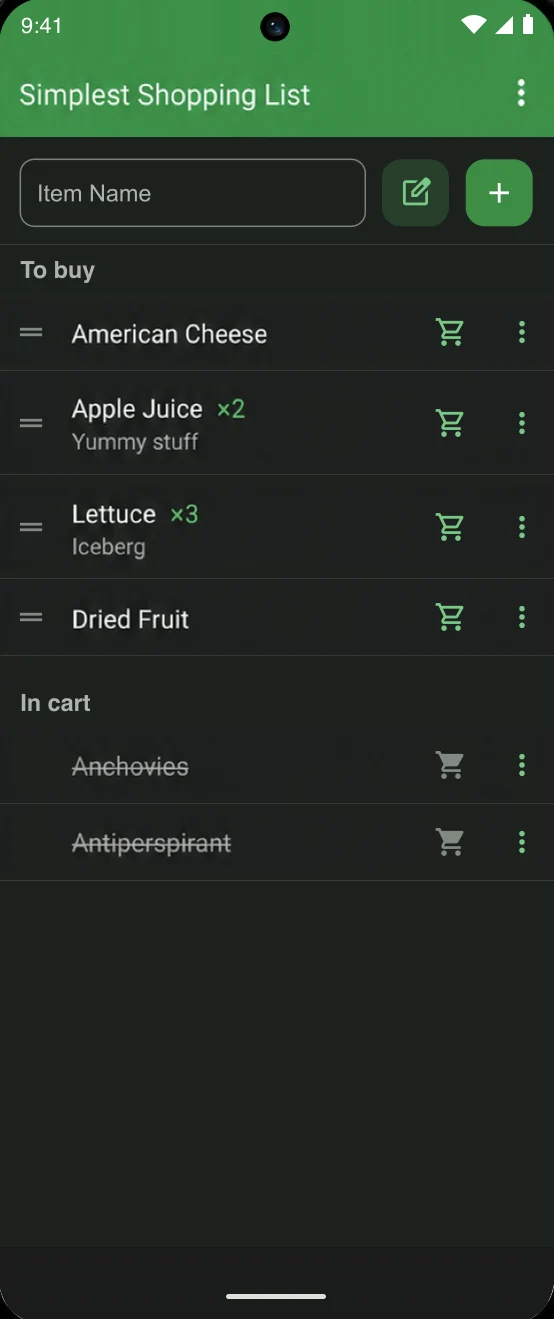
Drag items into the order you want, then check them off as you go. Prefer a darker screen? Switch to the dark theme.
One trip, less backtrackingPut your list in the order you shop.
A few more useful details
Small things that help.
Quick to add
Start typing for suggestions, or save your own custom items.
Clear as you shop
See what you still need and what you’ve already put in your cart.
Light or dark
Choose the theme and appearance that are comfortable for you.
Before you download
A few questions, answered.
Something else on your mind? Get in touch. I’m the developer.
Do I need an account?
No. You can start making a shopping list without registering or signing in.
Can I add quantities and notes?
Yes. Add how many you need and an optional note for the size, brand, or other details.
Can I reuse items I buy regularly?
Yes. Frequently bought items let you select things you’ve added before, instead of typing them again.
Is the app free?
The Android app is free to download and contains ads. An optional purchase removes the ads.
Where can I get help?
I’m the developer. If something isn’t working or you have a suggestion, visit the support page. Include your device and app version if you’re reporting a problem.
Make your next grocery trip a little easier.
Start a list, add the details, and take it with you.